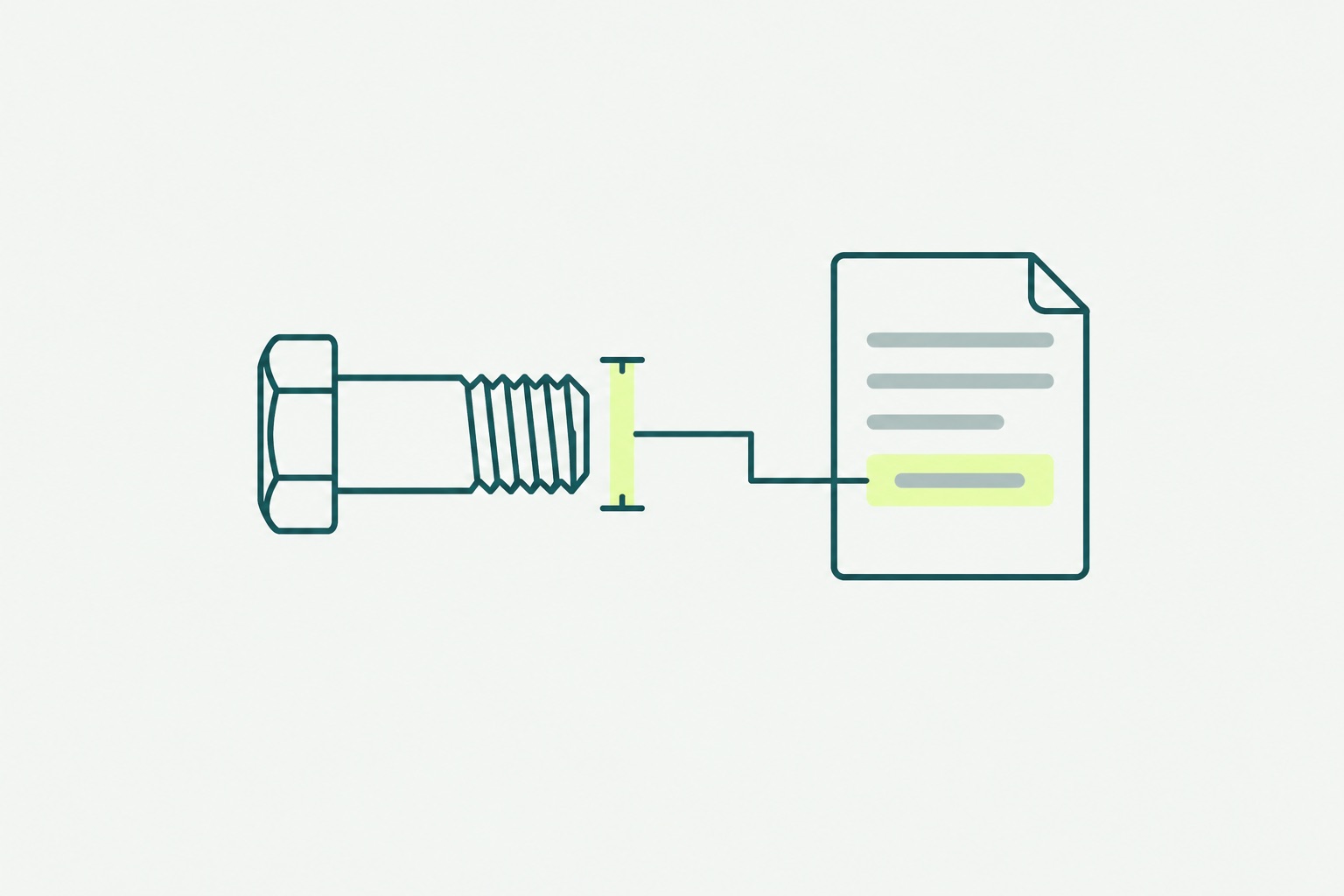
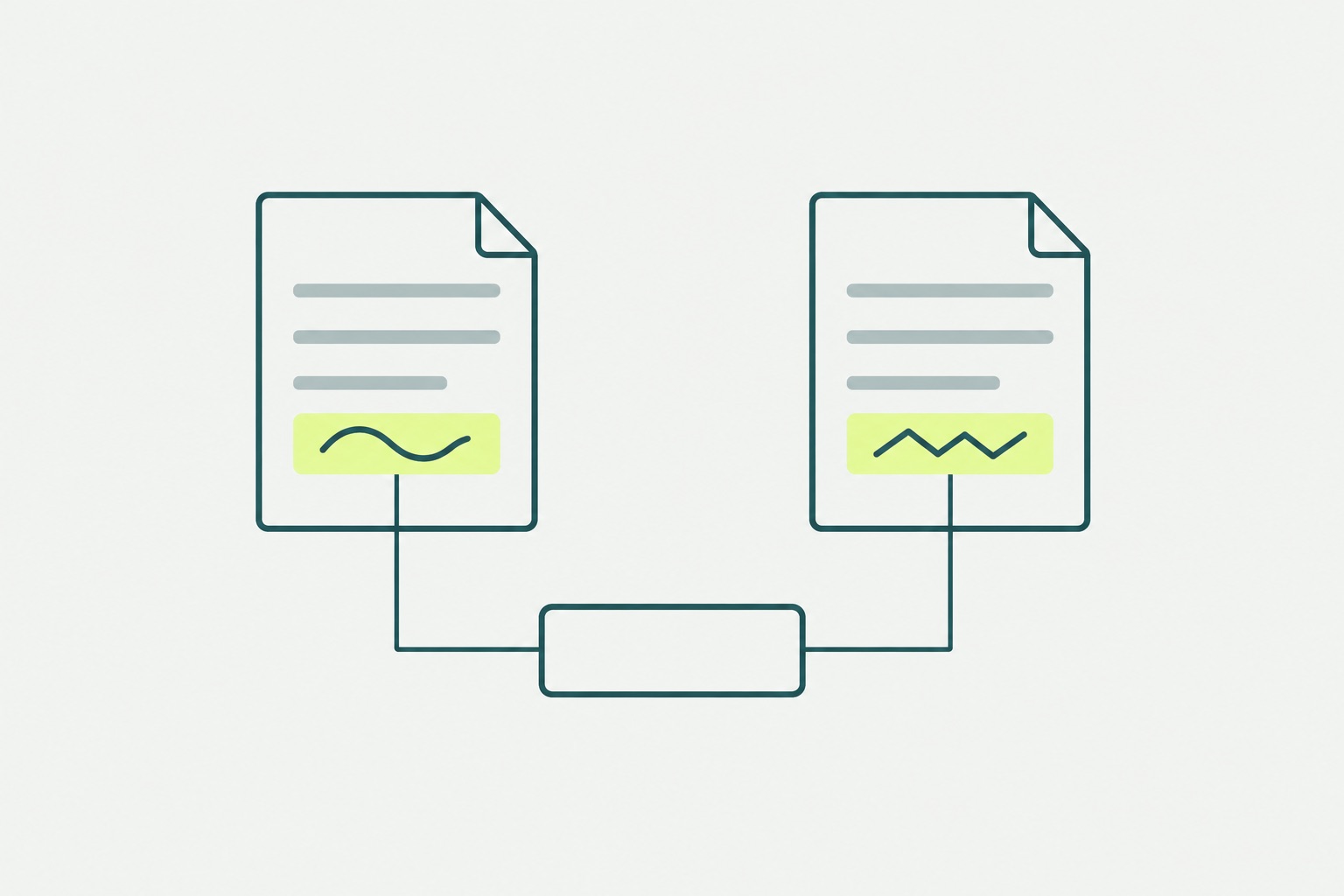
Ask any enrichment tool to fill a column and it will fill the column. That is the job, and most tools are good at it. The column comes back complete, the dashboard turns green, and nobody can say which of the new values to check first.
A full column hides its gaps
That last part is the problem, and it is not a small one. A column with no gaps carries no information about where the gaps were. The weight that was read from the maker’s datasheet and the weight that was guessed from a similar part look identical in the cell. The customs code that rests on a material and a function looks identical to the one that was copied from the nearest item. The person who later ships, declares or quotes has a full row and no way to know which fields were facts.
The other side of the trade
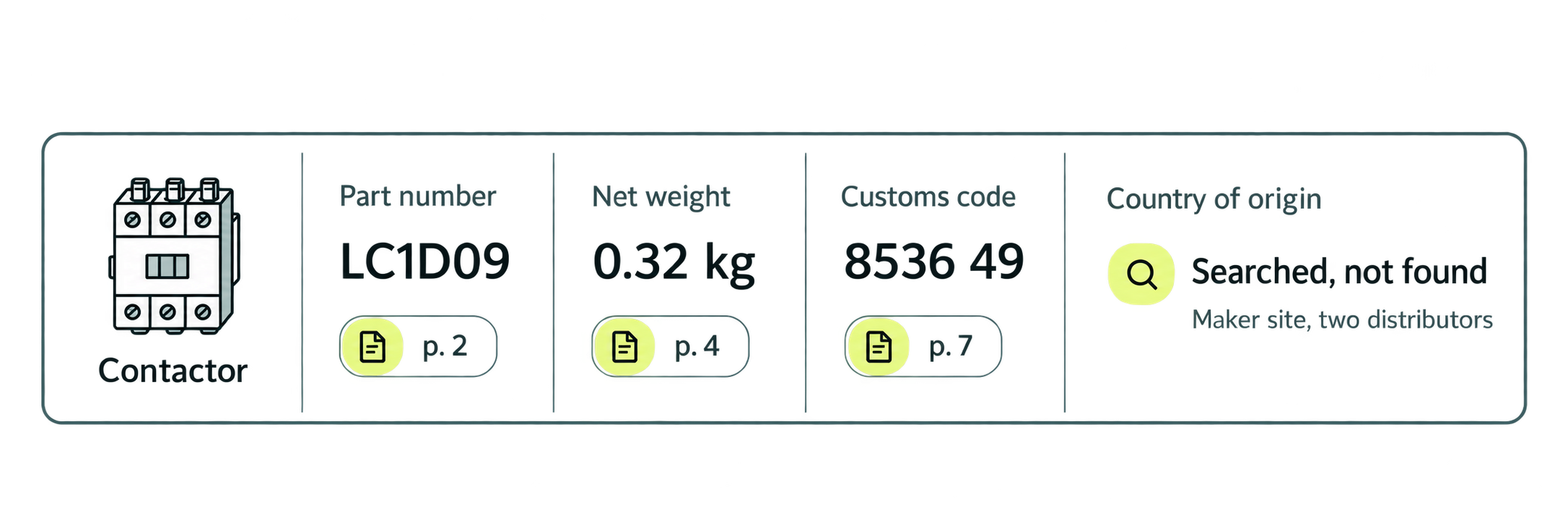
inRecipe takes the other side of that trade. A value is written only when a document or a standard supports it, and the cell carries the page. When nothing supports a value, the cell stays empty and says why: “searched, not found”, with where the search went, or “not applicable”, for a field the item cannot have. The row comes back with gaps in it, on purpose, and every gap is labelled.
Sort by the empties
The first time a customer sees this, the reaction is usually a small disappointment: there are empty cells. The second reaction, a minute later, is the one that matters. They sort by the empties.
The list of “searched, not found” is the shortest, most specific list in the delivery. It names the items whose documents are behind a supplier portal, the makers who publish nothing, the item codes that were never a maker’s number at all, the fields that no datasheet of that kind ever states. Every line on it is a decision for a person: fetch the document, ask the supplier, accept the gap, or change what the record asks for. A tool that fills every field cannot produce that list, because it has already spent the gaps.
What surprises people on that list is rarely the values that came back, which were expected to come back. It is the items nobody can verify: parts bought for years under a number that no maker ever printed, a family of fittings specified by a distributor’s shorthand, a chemical whose record says nothing about pack size and so can never carry a weight. None of these is visible in the old register, because the old register has a value in every cell.
Not a blank, and never silently filled
Two details keep the empty cell honest. It is not the same as a blank. A blank says the question was never asked; “searched, not found” says it was asked, here and here, and the answer was no. And it is never silently filled later: when the document turns up, through a supplier, a portal login or a person’s download, the cell changes with its reason recorded, so the row’s history shows that it was once empty and why.
The deliverable is not the column that filled up. It is the column that did not, with a reason on every line.
- A column with no gaps carries no information about where the gaps were.
- inRecipe writes a value only when a document or a standard supports it; otherwise the cell stays empty and says why.
- “Searched, not found” is not a blank: it records that the question was asked, where, and that the answer was no.
- The list of empty cells is the shortest, most specific list in the delivery, and every line on it is a decision for a person.
Further reading
- When two documents disagree, nobody wins
- Part of your item master has no manufacturer, and that is good news

More than 20 years turning data and AI into business value and working solutions. CEO of Data Design, previously at Silo AI. At inRecipe he leads the product and the Starts.